🤝 FieldCue Affiliate User Guide
Step-by-step instructions, referral link generation guidance, commission details, and compliance rules for FieldCue partner program members.
1. Affiliate Program Overview
Welcome to the FieldCue Partner Program. We enable marketing consultants, agency owners, and SaaS integrators to monetize their recommendations by introducing automated GoHighLevel call transcription, compliance audit, and custom CRM field syncs to their networks.
2. Getting Started & Joining the Program
Joining the partner program is simple. You do not need to be an active FieldCue customer to refer users, though having a trial or active location connected helps you demo the system.
How to Register
- Go to our Affiliate Portal Landing Page.
- Click the Register as Partner (or Join the Affiliate Program) CTA button.
- Fill out the application form with your name, email, payment details (PayPal email), and promotional description.
- Once submitted, you will receive an account activation link to access your dedicated dashboard.
Page: Affiliate Signup Form
URL: /affiliates (or Rewardful portal link)
Required State: Signup interface displaying fields for Full Name, Email, Website, and PayPal email address.
3. Accessing Your Affiliate Dashboard
Once your affiliate application is approved, you can log in to your private portal at fieldcue.rewardful.com. The portal provides real-time access to clicks, referrals, conversions, commission payouts, and link generator settings.
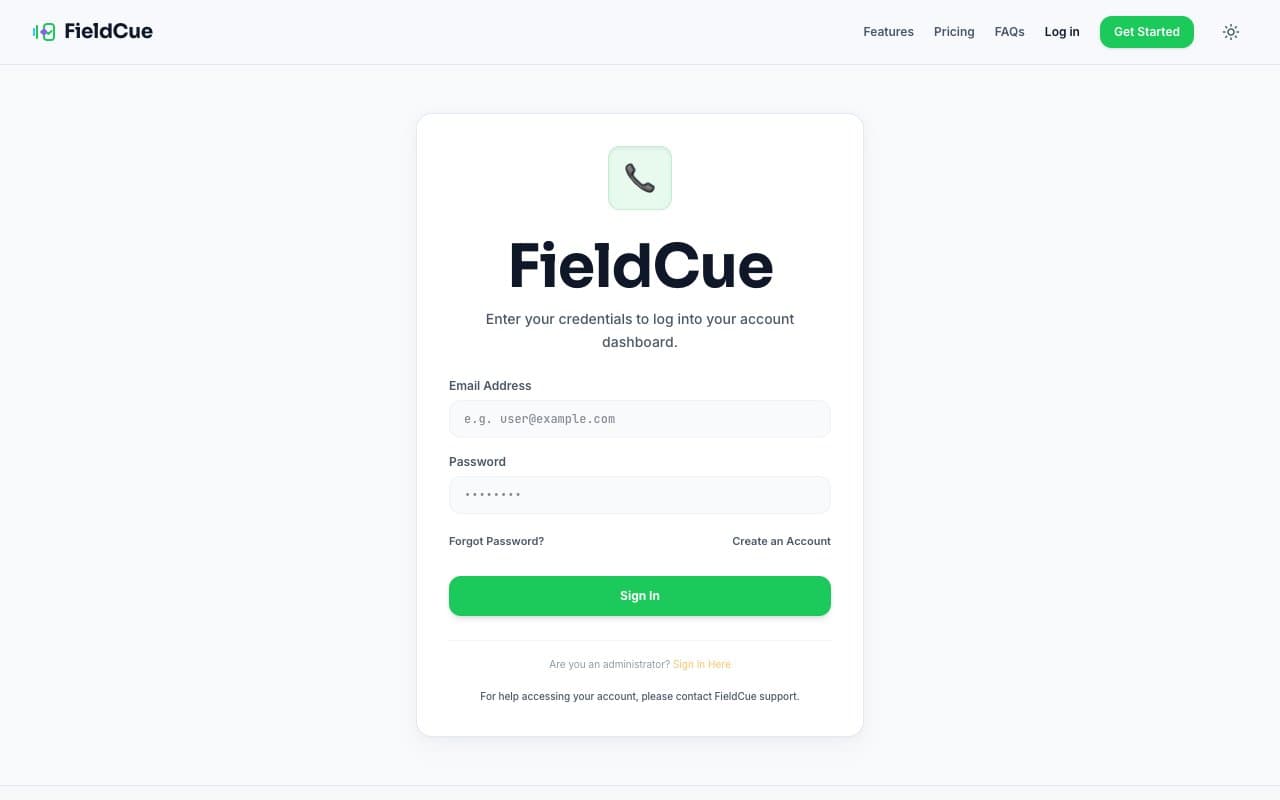
Partner Portal Landing Page:
Affiliates register and access the partner program via the public Affiliates Page (`/affiliates`). When the program site key is live, this section displays a direct registration CTA and access buttons to the Rewardful portal.
4. Creating and Sharing Referral Links
Inside your private Rewardful dashboard, you will find your primary referral link. You can also create custom deep-links (e.g. directing prospects straight to the sign-up page or guide pages) by pasting any fieldcue.app URL in the Rewardful **Link Generator** tool.
Page: Rewardful Link Generator
URL: fieldcue.rewardful.com (Link Generator tab)
Required State: Referral link generator loaded showing the primary affiliate link and the custom destination URL generator input.
5. How Referral Tracking Works
When a visitor clicks your referral link, a tracking cookie is placed in their browser for 60 days. If the user registers a trial or paid account during this window, the system links their account ID to your affiliate ID.
Any checkout payment completed by that customer (processed securely through Stripe) will trigger an automatic commission webhook back to Rewardful, crediting your account.
6. Referral & Conversion Statuses
You can track the state of each referral within your dashboard under the "Conversions" tab. The statuses are defined as follows:
| Status | Definition | Commission Impact |
|---|---|---|
| Lead / Click | A prospect clicked your link and landed on the website, or signed up for a trial account. | None. No commission is generated for free trial signs. |
| Active Conversion | Referred customer paid their first or subsequent monthly/annual subscription bill. | 30% commission instantly generated in your ledger. |
| Trial Period | Customer is running their active free trial. | Pending conversion. Converts to paid status when trial ends and billing clears. |
| Reversed | Customer requested a refund or cancelled their transaction, resulting in a stripe chargeback. | Commission associated with the refunded invoice is deducted from your balance. |
Page: Rewardful Conversions Table
URL: fieldcue.rewardful.com (Conversions tab)
Required State: Dashboard table showing sample conversions with Lead, Active, and Trial statuses (sanitized data).
7. Understanding Commissions and Rewards
Commissions represent the share of recurring customer revenue credited to your partner balance. Rewardful tracks payouts through three distinct escrow phases to manage refund safety buffers.
Commission Ledger Phases
- Pending Commissions: Earned commissions currently locked inside the safety escrow holding window. These cannot be paid out yet.
- Approved Commissions: Commissions that have cleared the safety escrow period and are approved for disbursement. These will be paid in the next monthly batch.
- Paid Commissions: Commissions that have been successfully disbursed to your designated payment account.
Page: Rewardful Commissions Balance Panel
URL: fieldcue.rewardful.com
Required State: Summary dashboard cards showing clear segments for "Pending", "Approved", and "Paid" balances (sanitized data).
8. Payment Timing and Requirements
To manage customer chargebacks and refunds, FieldCue enforces a standard 30-day escrow holding period for all commissions before they transition to "Approved" status.
Payout Thresholds and Calendars
- Payouts are processed on the 1st business day of each calendar month.
- Your approved balance must meet or exceed the minimum threshold of $20 to trigger a monthly payout.
- All payouts are processed in US Dollars (USD) and sent to your PayPal address.
Page: Rewardful Payout History Table
URL: fieldcue.rewardful.com (Payouts tab)
Required State: List of historical payouts showing payment date, amount paid, transaction ID, and PayPal recipient address (sanitized).
9. Required Affiliate Disclosures
Affiliates must comply with all relevant advertising regulations, including the US Federal Trade Commission (FTC) guidelines. You are legally required to clearly and conspicuously disclose your partnership relationship on any page, email, or video where a referral link is shared.
Sample Disclosures:
"If you click a link and buy, we may receive a commission at no cost to you."
"Disclosure: As a partner of FieldCue, we receive a share of subscription revenues if you register an account using our link. This helps support our software integration team."
10. Approved & Prohibited Promotion Methods
Approved Methods
- Writing blog posts, system reviews, and configuration walkthroughs.
- Sharing tutorials on Youtube, newsletters, or consulting channels.
- Directing your agency clients to register to sync call summaries to GoHighLevel.
Prohibited Methods
- Brand Keyword Bidding: Bidding on search engine advertisements (Google Ads, Bing Ads, etc.) using terms like "FieldCue", "FieldCue AI", or spelling variations.
- Spamming: Distributing affiliate links through cold email lists, unsolicited social media messages, or forum spam.
- Self-Referrals: Creating accounts under your own link for your own locations to earn commission discounts.
11. Refunds, Cancellations, and Reversed Rewards
If a referred customer cancels their subscription, your future recurring commission updates cease automatically. If a customer obtains a chargeback or refund for an invoice that generated a commission, the associated commission will be marked as **Reversed** and deducted from your pending or approved balance.
12. Updating Affiliate Account Details
You can update your partner details, such as changing your payout PayPal email, password, or contact name, directly inside the Rewardful dashboard. Navigate to **Settings → Profile** inside your portal to make adjustments.
13. Troubleshooting Missing Referrals
If a client you referred registers but doesn't show up in your Rewardful partner dashboard, check the common troubleshooting steps below:
- **Cookie Blocked**: Ensure the referral didn't use incognito mode, adblockers, or browser settings that disable tracking cookies.
- **Incorrect Link**: Verify the client clicked your exact referral link address rather than navigating directly.
- **Manual Credit Request**: If a customer did not get tracked, email support with the customer's business name and email address. Administrators can manually map referrals inside the Stripe and Rewardful dashboards.
Page: Support & Help Access Panel
URL: /guide/affiliates (Footer support card)
Required State: Visual footer card containing quick email links and references to support channels.
FAQ for Affiliate Partners
How long do tracking cookies stay active?
Can I refer my own accounts or locations?
When are commissions paid out?
What happens if a referred customer cancels their plan?
Need Further Partner Assistance?
Review our complete Terms of Service and Privacy Policy or email our support desk at support@fieldcue.app.